11. Real Time Communication
11.4. Screen Flow – Nurse Side (Origin)
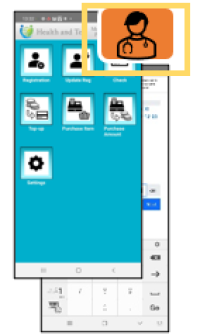 | Step 1-1:Tap the call button. (Pass the following: envId, token, Nurse’s balanceID, Patient’s refId) |
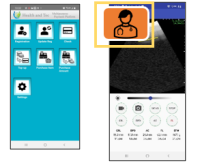 | Step 1-2:Start “Pockmemam” and tap the call button. |
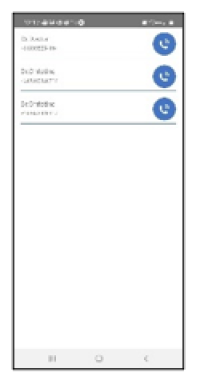 | Step 2:Select the doctor from the list. |
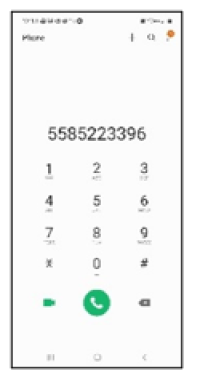 | Step 3:Tap the phone icon to launch the video call app |
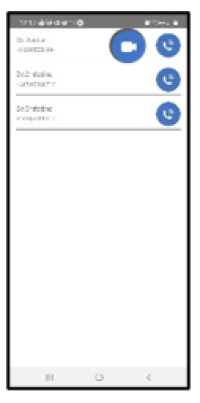 | Step 4:After the call ends, it returns to the doctor’s selection screen. The doctor’s video call button is displayed (or pre-displayed when the call app is launched). |
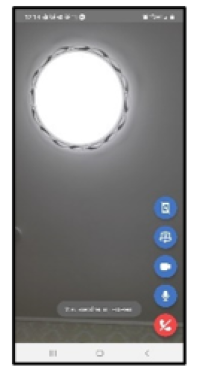 | Step 5:Connect to the Room. |
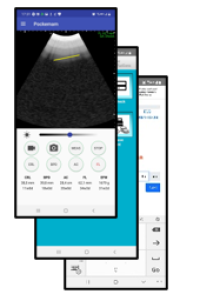 | Step 6:Return to the app’s originating display. |