9. Survey
9.1. Registration of survey
The survey feature can be used for quizzes, forum records, and weekly surveys. Responses can be submitted as follows:
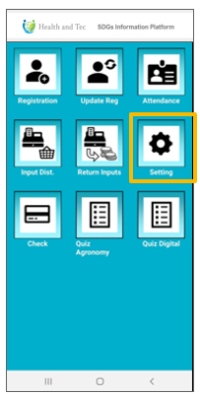 | Step 1:Survey menu icons will appear on the top menu. Tap the desired menu icon to answer the survey. |
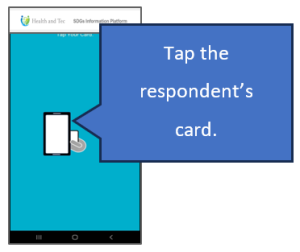 | Step 2:Tap the respondent’s card. |
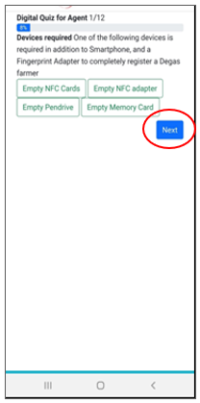 | Step 3:Once the card is accepted, the survey screen appears. Select or enter your answer and tap the “Next” button. |
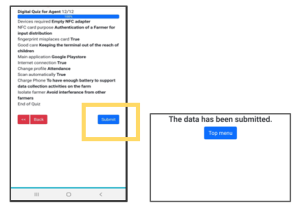 | Step 4:Proceed to the summary page, confirm the content, and tap the “Submit” button to send the response. |