Table des matières
3. Browsing the data
3.7. Accounts
3.7.2. Editing Accounts
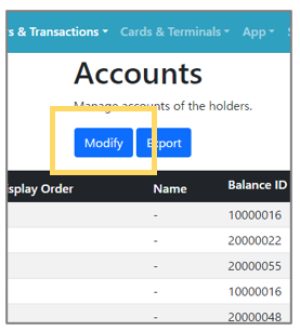 | Step 1: Click the “Modify” button on the top page of Accounts. |
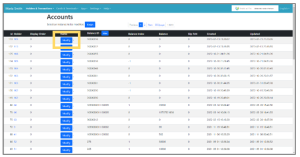 | Step 2: Click the “Modify” button of the account you want to edit. |
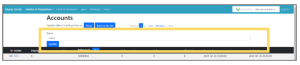 | Step 3: Edit field will appear at the top of the screen. Edit and click the “Update” button to complete editing. |