7. Attendance Record
7.1. Attendance
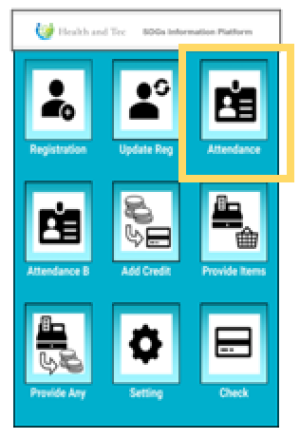 | Step 1:Record the farmer’s attendance using the “Attendance” option. |
 | Step 2:Tap the farmer’s card or perform a fingerprint scan. Once tapping is successful, the attendance record will be uploaded to the server and can later be checked via the web portal. |
Note: After attendance is registered, the screen will automatically move to the next person's attendance scan.