Table of Contents
5. System settings
5.12. Slip
5.12.4.Block and Release cards
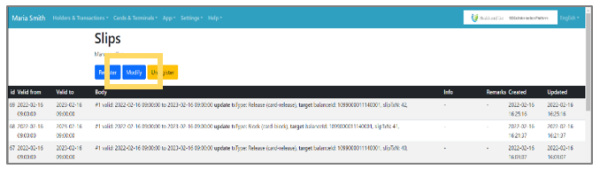 | Step 1:Click the “Modify” button on the top page of slips. |
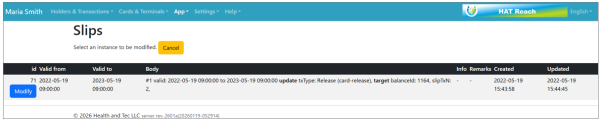 | Step 2:A list of surveys will be displayed. Click the “Modify” button for the item you want to edit. |
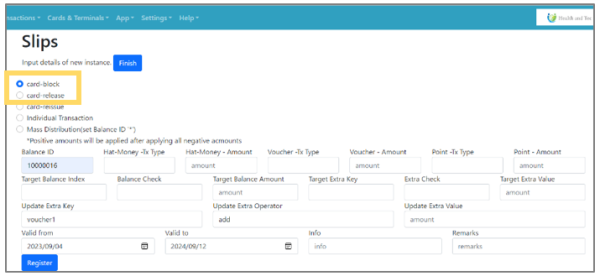 | Step 3:Select “Card-Block” or “Card-release” and specify the target Balance ID. |
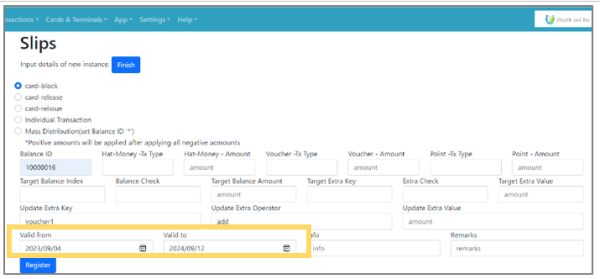 | Step 4:Specify the period of time in Valid from/Valid to and click “Register”. |
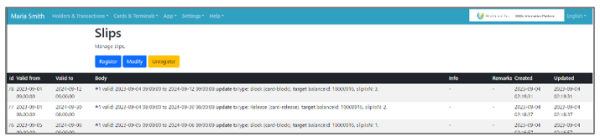 | Step 5:Registered information is reflected in the list screen. |