6. End user update registration information/Data reference
6.3. Card/QR code saved data reference
This section explains how to view data stored on the card/QR code.
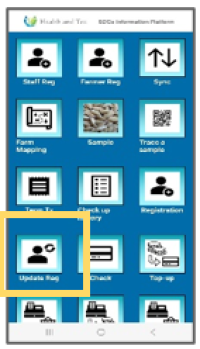 | Step 1:To view the card’s transaction history, tap “Update Reg.” |
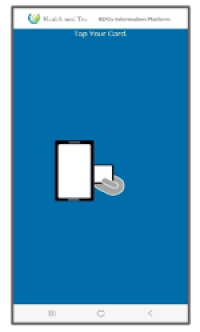 | Step 2:The QR code tapping request screen will appear. Once tapping is successful, the latest data will be downloaded from the server and displayed. |
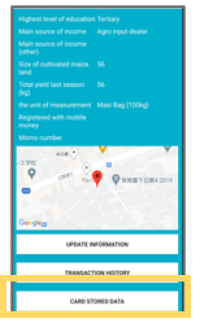 | Step 3:Tap the “CARD STORED DATA” button. |
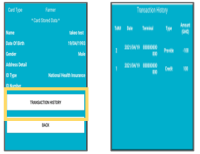 | Step 4:The data stored on the card will be displayed. If the device is offline, only the data stored on the card will be shown. (Tapping the “TRANSACTION HISTORY” button will show transaction history stored on the card.) |