3. Browsing the data
3.1 Holders
Holders can view and edit the list of holders who have registered their profiles in the application.
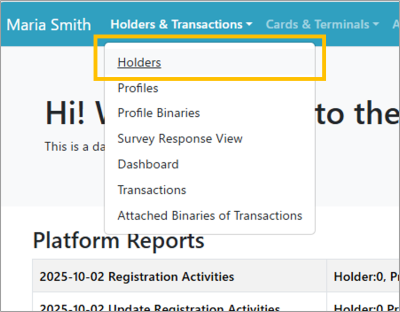 | Step 1:Select “ Holders & Transactions ” from the menu and select “ Holders ” from the list. |
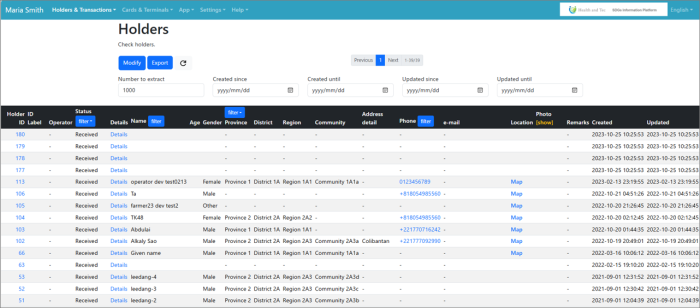 | Step 2:A list of holders who have registered their profiles through the application will be displayed. |