文書の過去の版を表示しています。
3. Browsing the data
3.1. Holders
3.1.3. Edit Holder's information
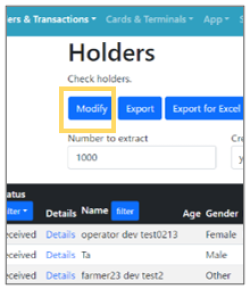 | Step 1:Click the “Modify” button on the top page of Holders. |
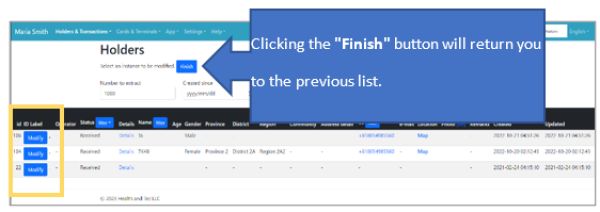 | Step 2:The edit screen for the list of holders will appear. Click the “Modify” button to make edits. |
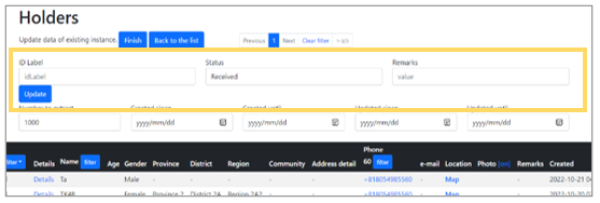 | Step 3:Update the information for the selected holder, then click the “Update” button to save your changes and complete the editing process. |