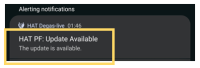
 | Step 1: A notification will appear if an update is available. Tap the notification to begin. |
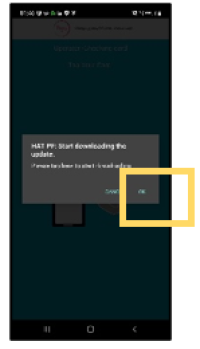 | Step 2: A dialog will appear indicating the download is starting. Tap “OK”. |
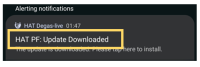 | Step 3: When the download completes, a completion notification will appear. Tap the notification to continue. |
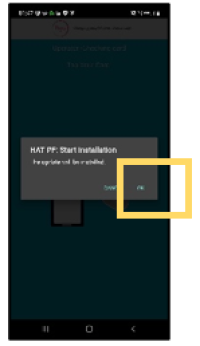 | Step 4: A dialog will appear asking to begin installation. Tap “OK”. |
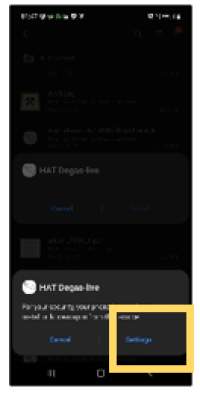 | Step 5: Android will ask for permission to install the updated app. Tap “Settings”. |
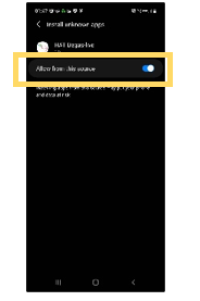 | Step 6: Tap “Allow from this source” to permit the update, then use the back button to return. |
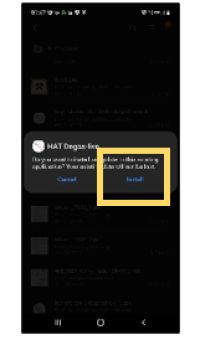 | Step 7: Tap “Install” to proceed with the update. |
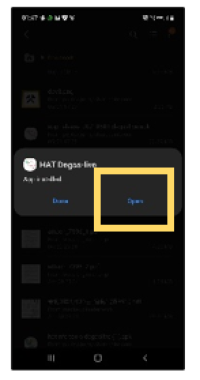 | Step 8:Once installation completes, a notification will appear. Tap “Open. |