6. End user update registration information/Data reference
This section describes how to update and reference end-user registration data.
6.1. updating end user registration information
This section explains how to update your registration information. Updating your registration can only be performed on authorized devices. Please note that this function requires an Internet connection.
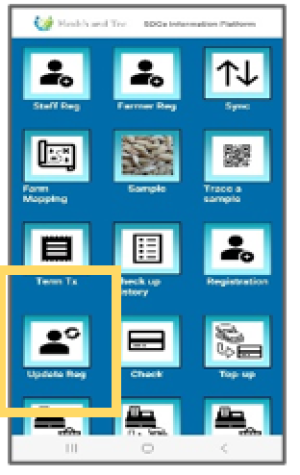 | Step 1:To check/update the end user's registration details, tap “Update Reg.” |
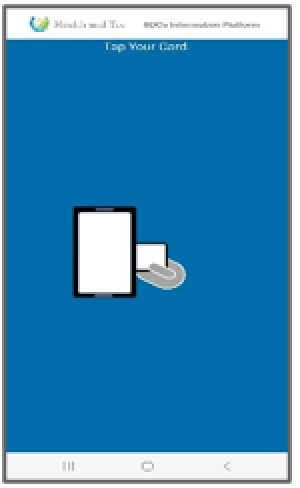 | Step 2:The card tapping request screen will be displayed. |
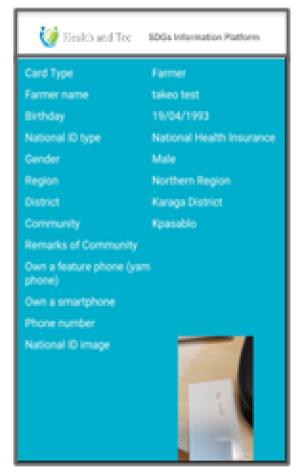 | Step 3:Once the card is successfully tapped, the latest data will be downloaded from the server and displayed on the screen. |
 | Step 4:Tap the “UPDATE INFORMATION” button to update the data. (* Card type updates can also be done from this screen.) |