12. Real Time Communication
12.5. Screen Flow – Doctor Side (Destination)
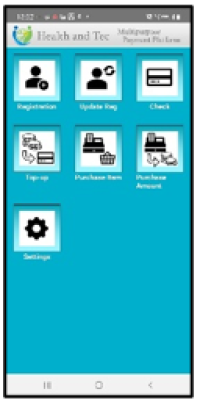 | Step 1: Auto-startup HAT RTC application. (Pass the following: envld, token, doctor’s balanceid). When the top menu appears, the app will automatically access /rtc/get/room, and if a room is available, HAT RTC will launch. |
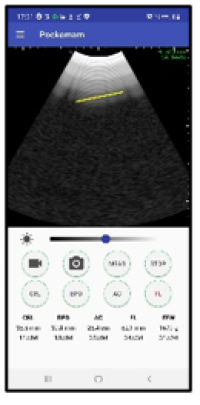 | Step 2:Room Connection |
- Video: Off
- Audio: On (voice-only mode)
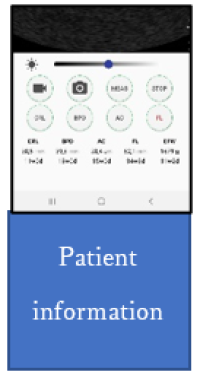 | Step 3:Scrolling the screen allows viewing patient information via WebView at the bottom. |
Note: Set the origin to https://local.hatec.jp. If local host is used, the API access will be blocked due to CORS restrictions.