4. Log reference
4.1. Operation Log
This section describes how to check the operation log.
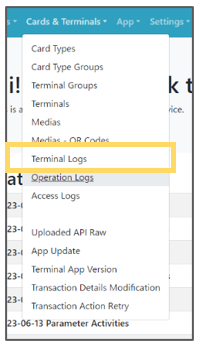 | Step 1: Select “ Cards & Terminals ” from the menu and select “ Operation Logs ” from the list. |
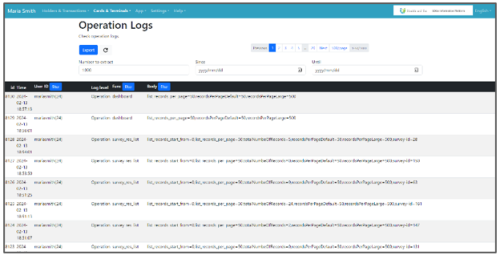 | Step 2: Check the operation logs, as a list of logs will be displayed. |