3. Browsing the data
3.3. Survey Response View
3.3.4. Import the survey
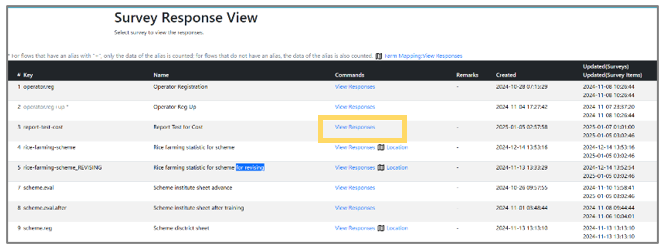 | Step 1: Click “View Responses” for the item you want to view the responses from the list. |
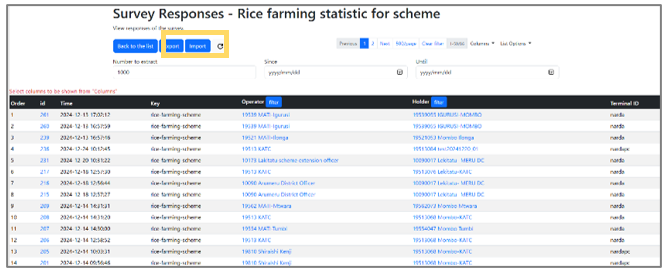 | Step 2: Click the “Import” button. |
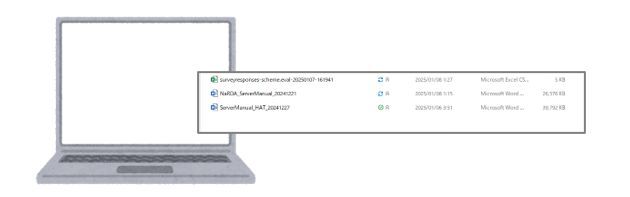 | Step 3: Select the file to import. |
 | Step 4: Confirmation screen will be displayed and click “Execute the import.” |
| Remarks: To ensure the Excel format is displayed properly, edit and save the Excel file for import, then execute the file import. |