4. Synchronization
4.3. Terminal history reference
Check the transaction history performed on the device.
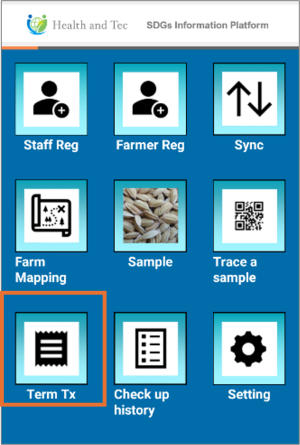 | Step 1:Tap “Term TX”. |
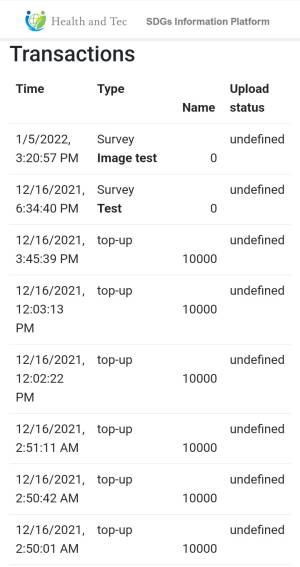 | Step 2:A list of transactions performed on the device will be displayed. |
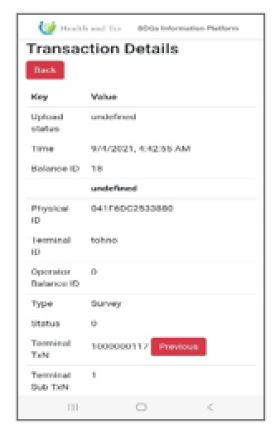 | Step 3:Tap a transaction row you want to view in detail. After reviewing, tap Back to return to the list. |