3. Browsing the data
3.4. Dashboard
This page allows you to view, register, and edit dashboards.
Remarks: For details of dashboard, please refer to “8.2. Dashboard report” in the Appendix.
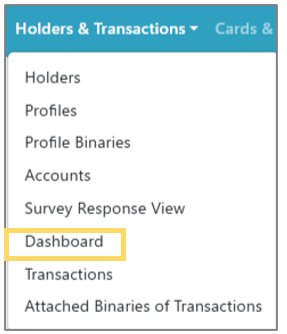 | Step 1: Select “ Holders & Transactions” from the menu and select “ Dashboard ” from the list. |
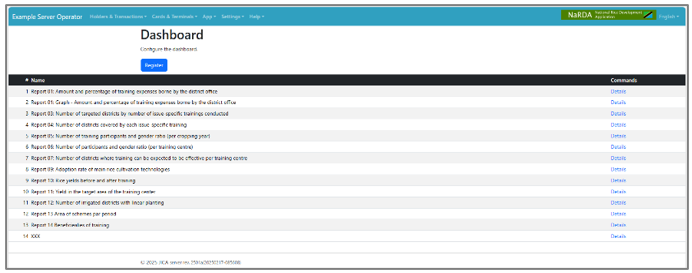 | Step 2: A list of dashboards will be displayed. Click the “Details” button on the dashboard you want to open. |
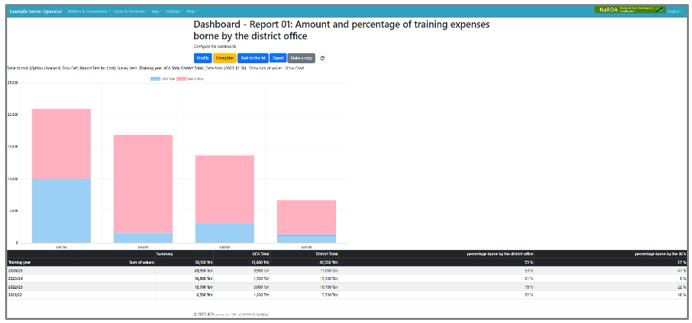 | Step 3: The dashboard detail screen will be displayed. |