6. End user update registration information/Data reference
6.4. Card check
This section explains how to check the card balance from the menu.
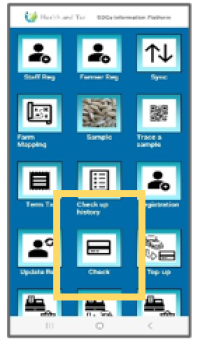 | Step 1:Tap “Check” to verify the card’s information. |
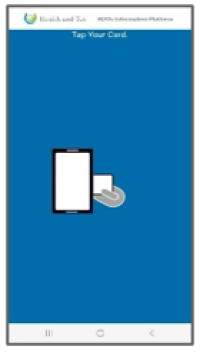 | Step 2:Card tapping is required. Once tapping is successful, the card data will be displayed. |
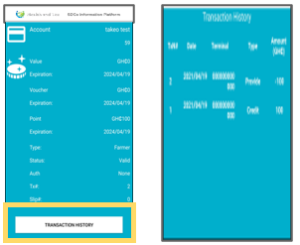 | Step 3:Tap the “TRANSACTION HISTORY” button to view the transaction history data. |