3. Browsing the data
3.3. Survey Response View
Refer to the results of the survey submitted by the app.
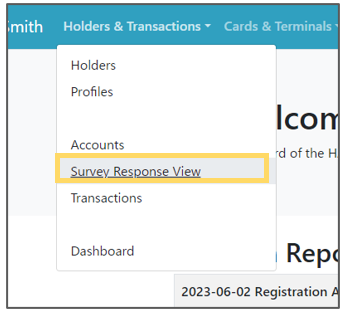 | Step 1: Select “Holders & Transactions” from the menu and select “Survey Response View” from the list. |
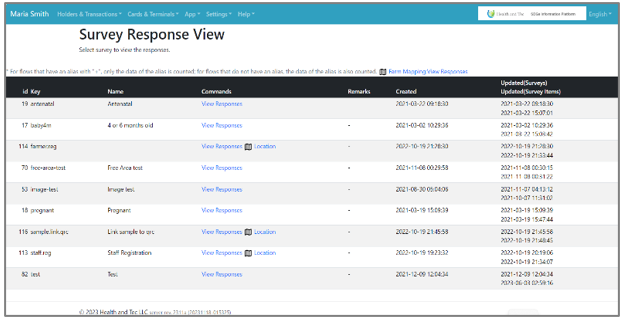 | Step 2: List of survey responses will be displayed. |