This is an old revision of the document!
3. Browsing the data
3.4. Dashboard
3.4.3. Cross aggregation function
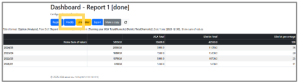 | Step 1: Click the “Modify” button on the top page of Dashboard. |
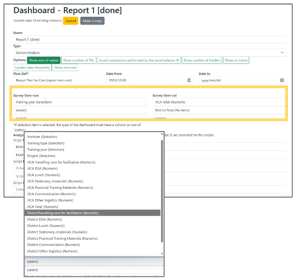 | Step 2: In “Survey Item-row” and “Survey Item-col” field, select the items you want to display in the survey. Numeric: Numeric answers Selection: Selection screen You can select up to three items each for row and column field. |
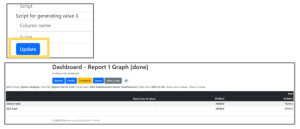 | Step 3: Click the “Update” button and the selected row and column items are displayed on Dashboard. |
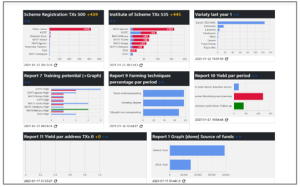 | Step 4: The TOP screen displays information in graph form. |