This is an old revision of the document!
5. System settings
5.9. App Header and Menu Settings
5.9.1. Vonfirm, edit, delete
This page allows you to view, edit, and delete header images.
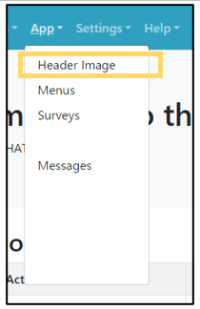 | Step 1:Select “Apps” from the menu and select “Header Image” from the list. |
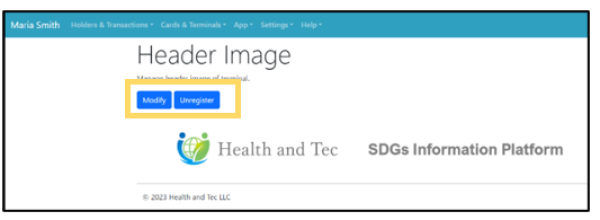 | Step 2:Terminal Header image is displayed. Edit: Click the “Modify” button to edit the image and update the new image.Delete: Click “Unregister” button to delete the current image. |
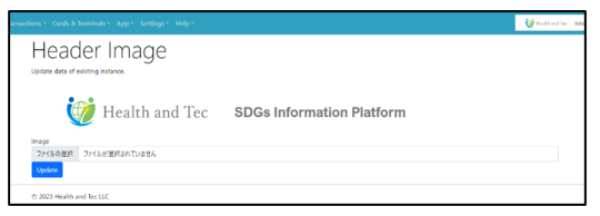 | Step 3:Select the file and upload the new image with the “Update” button. |