This is an old revision of the document!
3. Browsing the data
3.1 Holders
Holders can view and edit the list of holders who have registered their profiles in the application.
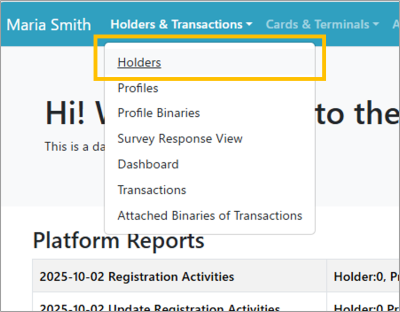 | Step 1:Select “ Holders & Transactions ” from the menu and select “ Holders ” from the list. |
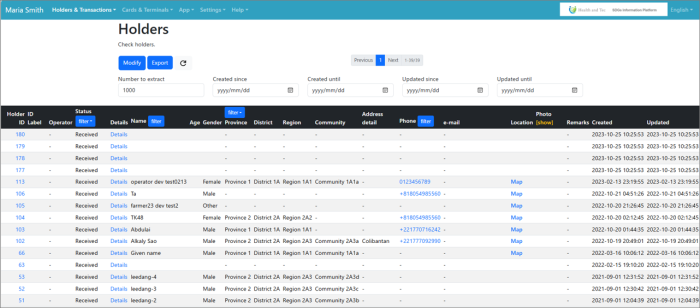 | Step 2:A list of holders who have registered their profiles through the application will be displayed. |