This is an old revision of the document!
3. Before starting up
3.6. App settings (Entering Terminal ID)
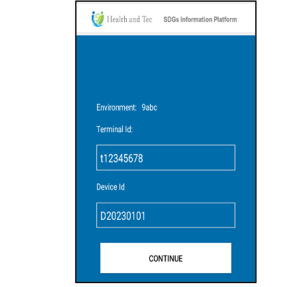 | Step 1:Enter Terminal Id and Device ID, and tap “CONTINUE” button. |
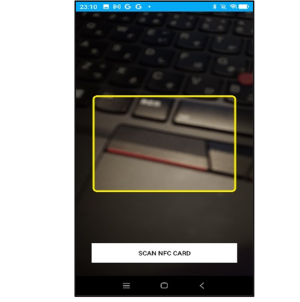 | Step 2:The QR card reading screen appears. (Press “SCAN NFC CARD” button if you want to read the NFC card) |
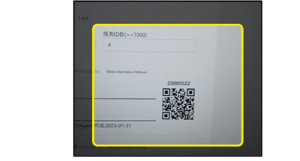 | Step 3:Read the administrator's QR card (NFC card). |
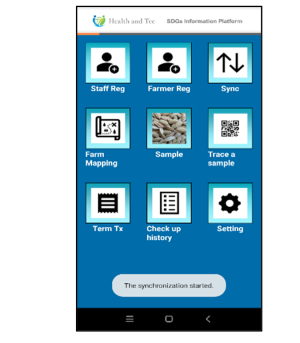 | Step 4:The TOP screen will be displayed. |