This is an old revision of the document!
3. Browsing the data
3.2. Transactions
You can see the history of transactions made on all terminals.
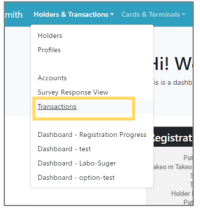 | Step 1: Select “Holders & Transactions” from the menu and select “Transactions” from the list. |
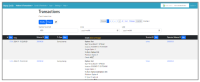 | Step 2: A list of transactions will be displayed. |