This is an old revision of the document!
5. End User Registration
5.1. End User/Staff registration
This slide explains how to register an end-user profile (using a QR code).
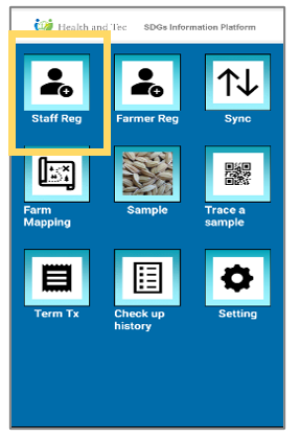 | Step 1:Select “Staff Reg”. |
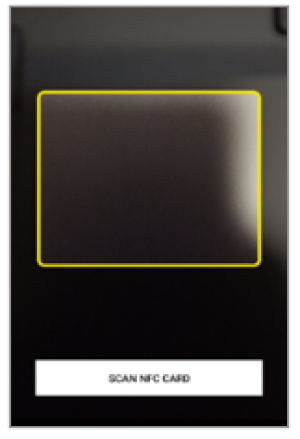 | Step 2:QR code reading screen will be displayed. |
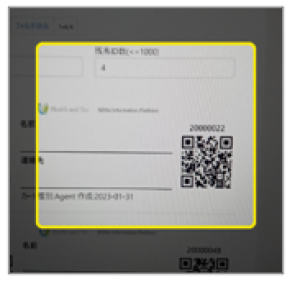 | Step 3:Scan the QR code. |
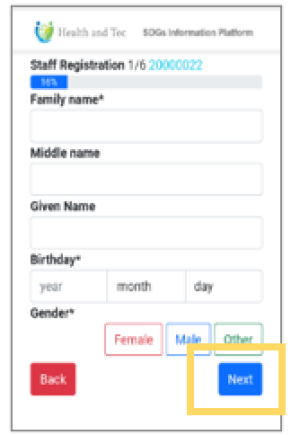 | Step 4:A personal information input screen (e.g., profile, address) will be displayed. After filling out the required information, tap Next to proceed to the next page. |